Practice
Internet in a dead zone – our setup in Atins (Lençóis Maranhenses)
Sandy tracks instead of roads, a boat instead of a bus – and still online. What the tech setup looks like for a place like Atins.
Contents
This article contains advertising (affiliate) links, marked “Ad”. How we label ads
In short: In Atins on the edge of the Lençóis Maranhenses in Brazil we got online with the Starlink Mini. A setup like that needs: a clear view of the sky, a reliable power source (power supply plus a power bank as buffer), the right roam plan – and because Brazil is outside the Europe region, since summer 2026 at most 30 consecutive days plus travel registration apply. As of October 2026.
The place
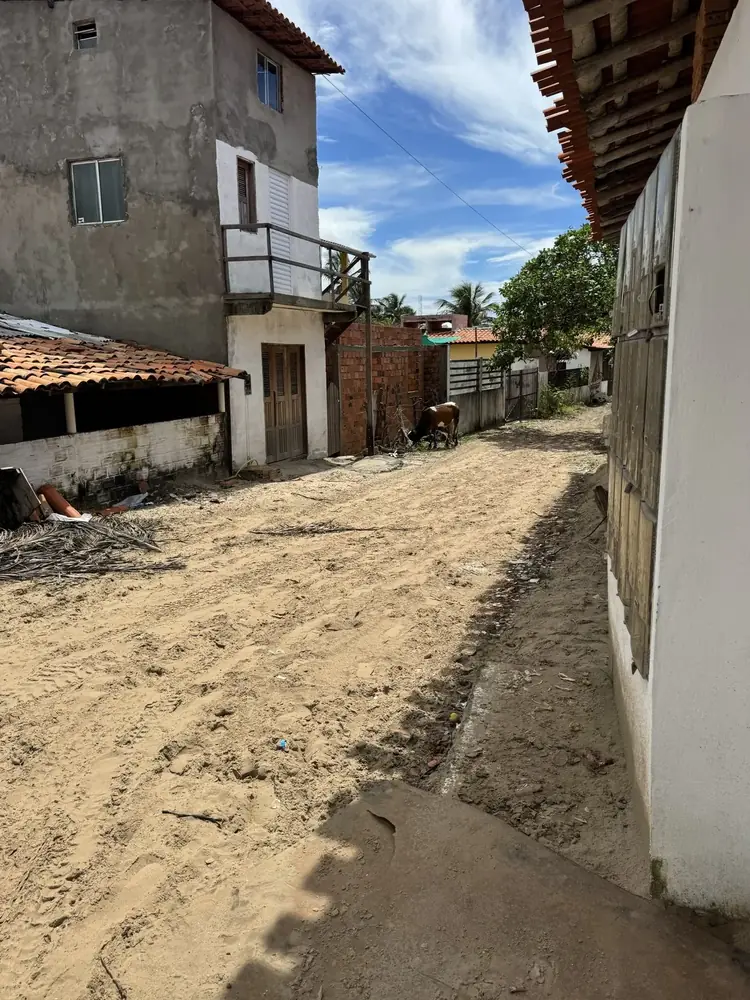
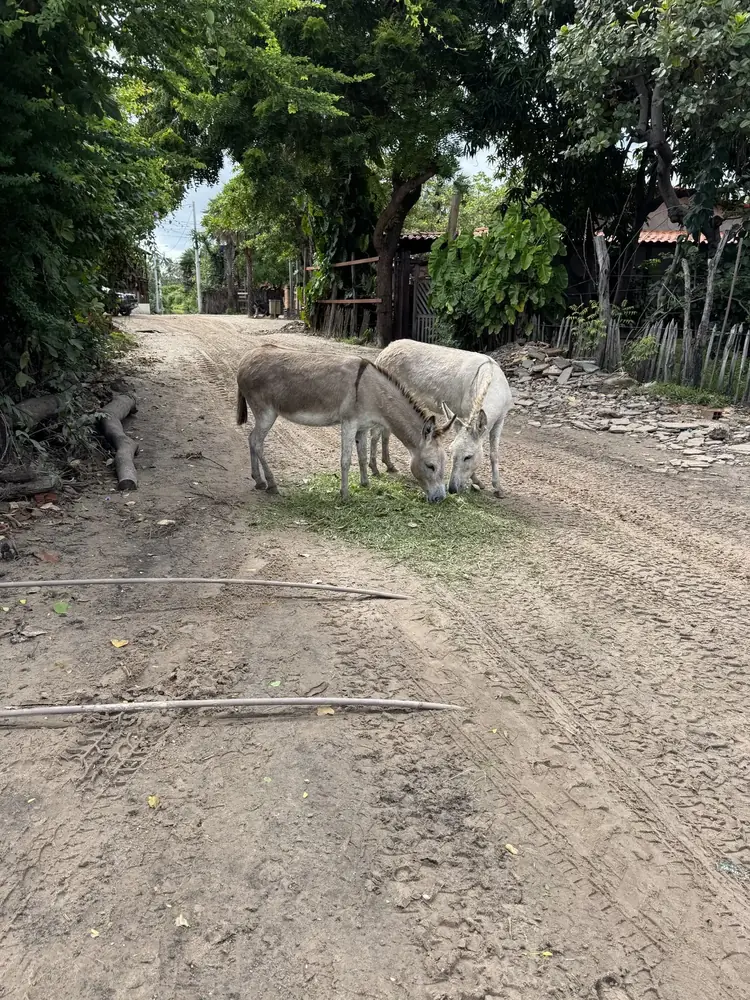
Atins lies at the mouth of the Rio Preguiças. According to travel information no roads lead there: from Barreirinhas you go by speedboat (about 50 minutes) or 4x4 pickup across dunes and rivers (about 2 hours). Instead of tarmac there are sandy lanes, instead of cars donkeys, pickups and quads. How to get there from São Luís: Route to Atins – São Luís, Barreirinhas and the Lençóis Maranhenses.
Places like this are exactly why satellite internet for travellers exists: beautiful, remote – and with internet you shouldn’t rely on for work.
Why a dead-zone destination needs special planning
Several challenges come together in places like Atins:
- Mobile coverage may fluctuate or be missing depending on the carrier – we deliberately don’t comment on current coverage because it keeps changing.
- Accommodation Wi-Fi often hangs on a single connection itself and is shared by all guests in the evening.
- Power is less reliable than in a city – short outages aren’t unusual in remote places.
- Sand, salt, heat are hard on electronics.
- No electronics shop nearby – what you forgot, you don’t have.
The setup
| Component | What we recommend | Why |
|---|---|---|
| Starlink Mini | With kickstand, software update before the trip | Needs a clear view of the sky, app shows obstructions |
| Plan | „Roam Unlimited“, travel registration | Required outside Europe since summer 2026 |
| Power | Original power supply (100–240 V) plus 100 W USB-C PD power bank | Buffer during outages, Mini draws 25–40 W on average |
| Cable | USB-C cable rated 5 A / 100 W | Otherwise the Mini won’t start on the power bank |
| Protection | Keep connectors dry and free of sand | IP67 only applies with cables plugged in |
| Backup | eSIM or local SIM | For getting around and when Starlink isn’t set up |
For backup we use a Holafly travel eSIM – Brazil was one of our 13 Holafly eSIMs since 2024. Code JANPEM4IDSKH gives 10% off. More: Travel eSIM explained – internet without swapping SIM cards.
Setting up in sand and heat
- Pick a spot with a clear view – palm trees, roofs and walls are the usual obstructions. The app’s obstruction check shows what works.
- Secure the kickstand: on sand it tips over easily – a sandbag, a mount or a weighted base helps. On the coast the wind often picks up in the afternoon.
- Heat: per the datasheet the Mini is specified up to 50 °C; keep the power bank and power supply in the shade, not in direct sun.
- Sand: only plug and unplug in a clean spot; caps or a small pouch for cable ends help.
- Salt air: wipe the antenna with a slightly damp cloth after your stay.
Power: the real bottleneck
In remote places power is often less reliable than the internet. Plan a power bank as a buffer and charge everything whenever power is available. Our rules of thumb:
- Run the Mini on the power supply while there’s power – the power bank stays full.
- Power bank as UPS: during an outage you switch over in seconds and the call resumes after a brief restart.
- Switch on deliberately: if you only work a few hours a day, you save energy by not running the Mini all day.
- Bring a travel adapter and a 100–240 V power supply.
Example: a 99 Wh power bank lasts roughly 2–3.5 hours on paper. All the details: Powering the Starlink Mini on the road – power bank, power station, solar.
Working in a dead zone: planning your day
- Schedule calls for times when power is reliable (e.g. not during known shutdown hours).
- Do big uploads (photos, backups) when the connection is stable, not right before a call.
- Keep offline copies of important documents on your laptop.
- Agree availability windows with clients or colleagues – mind the time difference to Europe.
- More on organising work: Remote work on the road – video calls, VPN, latency and backup.
What to sort out beforehand
- Plan and travel registration: Starlink outside Europe – the 30-day rule and travel registration
- Availability and legality in the country: Countries with Starlink coverage – and where it’s not allowed
- Test your power setup at home (power bank, cable, start-up)
- eSIM as backup: Travel eSIM explained – internet without swapping SIM cards
- Switch to Standby after the trip: Pausing Starlink – Standby Mode explained
Common mistakes in places like Atins
- Setting up the Mini on site – updates take time and power.
- 3 A cable instead of 5 A – the Mini won’t start on the power bank.
- Set up under palm trees – constant interruptions.
- Unsecured kickstand – the first gust throws the antenna into the sand.
- No backup – without an eSIM you’re offline on the way to the beach or boat.
FAQ
Is there mobile coverage in Atins?
How good mobile coverage is in a given place keeps changing – we don’t make claims about it. Always plan a second way to get online in remote places.
How long can you use Starlink in Brazil?
With an Austrian account, since summer 2026 at most 30 consecutive days outside the Europe region, with travel registration. Terms change – check before your trip.
Is one power bank enough for a workday?
A power bank up to 100 Wh lasts a few hours. For a full workday without a socket you need more capacity or ways to recharge.
Can I take the Mini on the boat to Atins?
Yes, well packed and dry. Open boats can get spray – a waterproof bag makes sense.
Sources
Read next
Starlink
Starlink Mini for travel – costs, plans, pausing
What the Mini can do, what it costs per month, why a 30-day limit applies outside Europe since summer 2026 – and how to let the service rest cheaply between trips.
Power
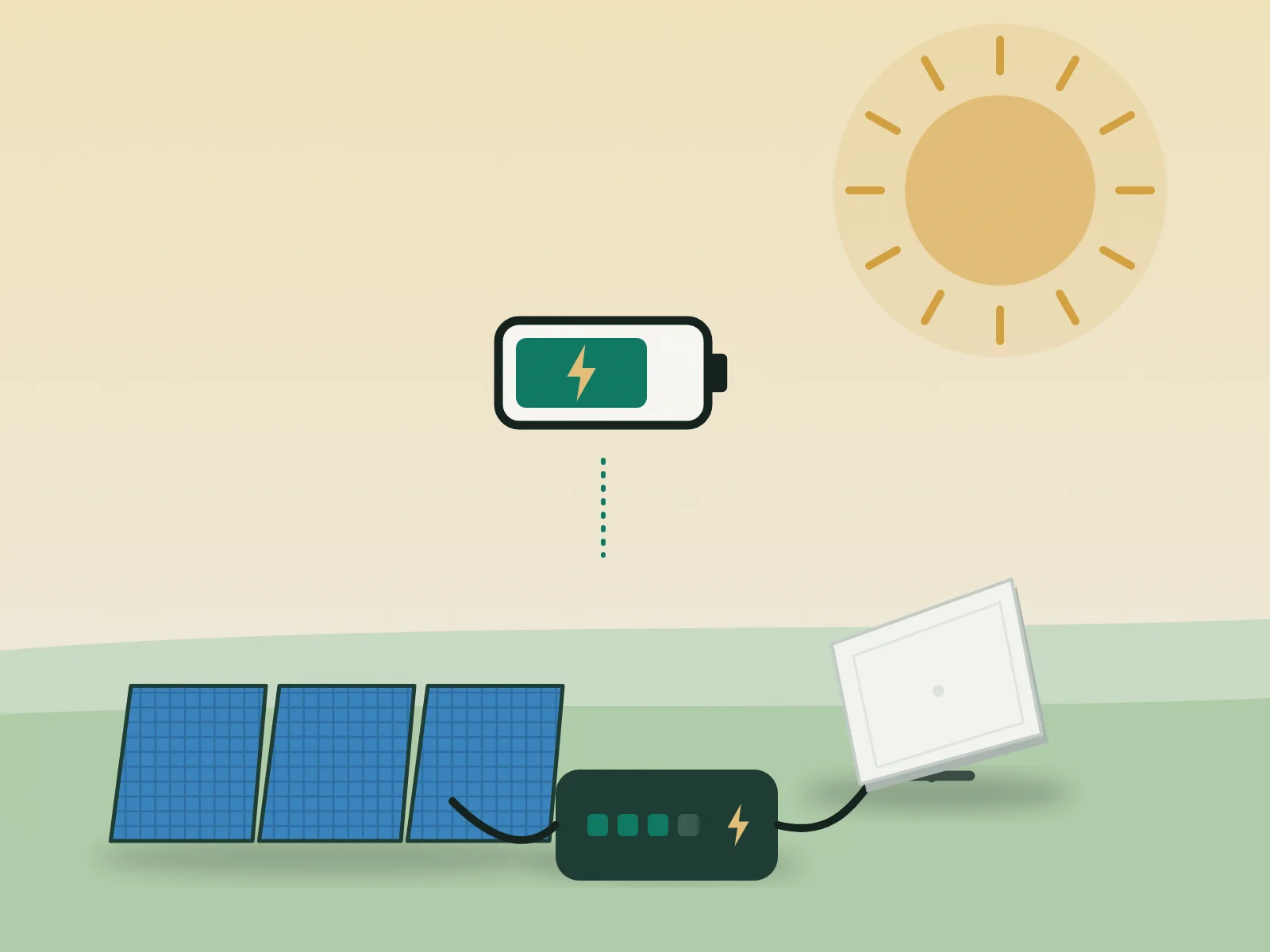
Powering the Starlink Mini on the road – power bank, power station, solar
The Mini draws 25–40 watts on average. What that means for power banks, power stations and solar – with a simple formula and a runtime table.
Starlink
Buying a Starlink Mini in Austria – direct, retail, referral link
Directly from Starlink or from an electronics retailer? What to know before buying the Starlink Mini in Austria – from price to activation.