Starlink
Countries with Starlink coverage – and where it's not allowed
Starlink is licensed in many but not all countries. How to check before your trip whether you may legally use the Mini.
Contents
- Three questions before every trip with Starlink
- Reading the availability map
- Not licensed ≠ technically impossible
- Import and customs
- Regions at a glance (orientation, not a substitute for the map)
- Pre-trip checklist
- Checking a country in five minutes
- What if Starlink isn’t allowed?
- Common mistakes
- FAQ
- Sources
This article contains advertising (affiliate) links, marked “Ad”. How we label ads
In short: What counts is the official availability map at starlink.com/map and the law in your destination. In countries where Starlink isn’t licensed, operating it is not allowed; some countries also restrict the import of satellite terminals. For Austrian accounts the 30-day rule applies outside the Europe region. As of October 2026.
Three questions before every trip with Starlink
| Question | Where to find the answer |
|---|---|
| Is Starlink available in the country? | Official map at starlink.com/map |
| May I import and operate the terminal? | Embassy, customs, official travel advice |
| What applies to my account there? | Region and plan in the Starlink app; outside Europe: Starlink outside Europe – the 30-day rule and travel registration |
Reading the availability map
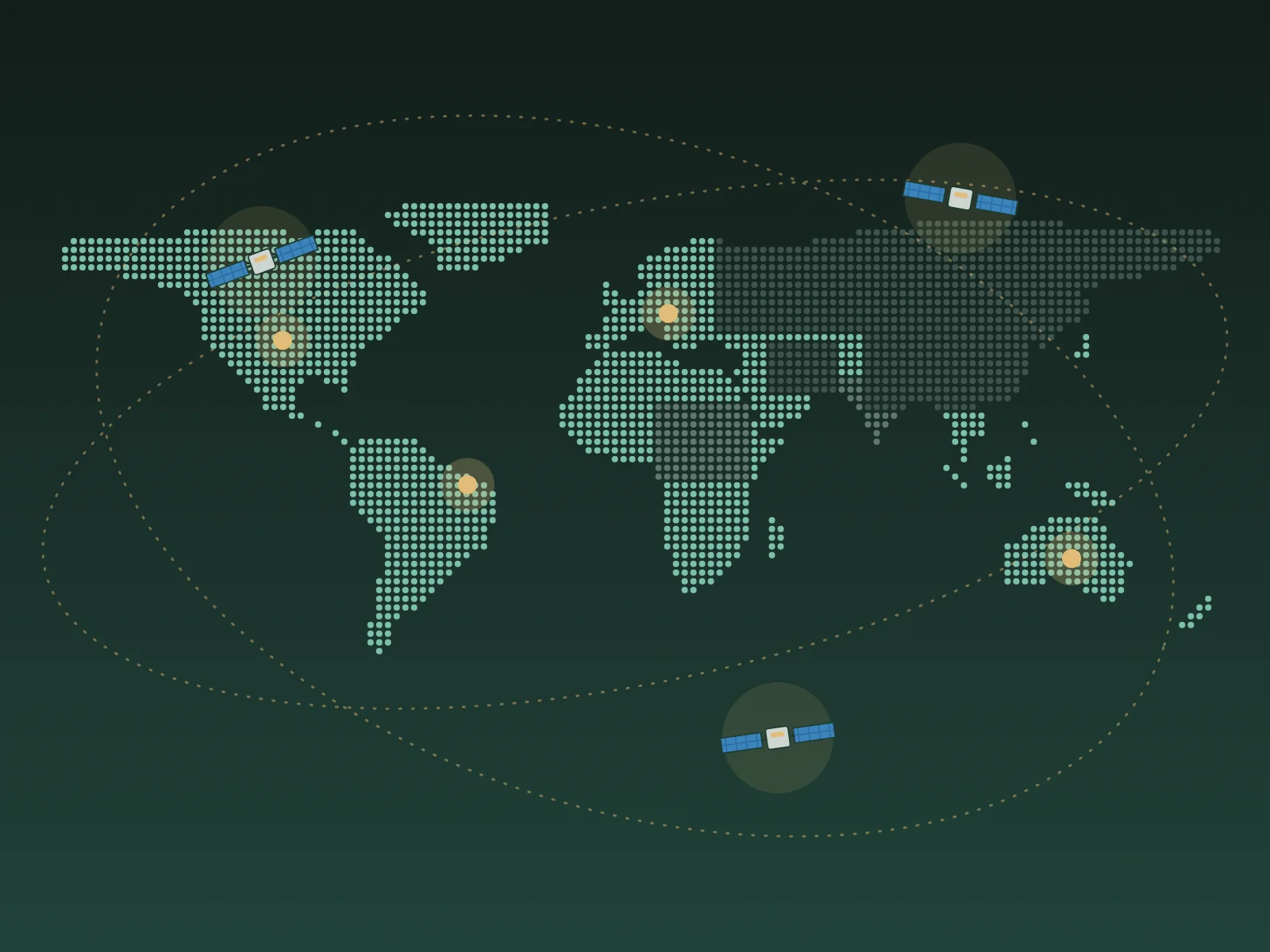
The map distinguishes areas where the service is available, areas with planned availability and areas without service. What matters for travellers:
- Available: a roam plan generally works – without a time limit inside your region, outside with the rules for travel outside the region.
- Planned/“coming soon“: not usable yet, even if satellites technically pass overhead.
- No service: not usable or not allowed.
- Capacity: some zones may have waiting lists or limits for new residential customers – that affects roam plans differently.
Separate rules apply at sea (see Starlink on a boat – coast, ocean mode and backup).
Not licensed ≠ technically impossible
A connection may sometimes work technically – legally, operating in a country without a licence is still not allowed and can cause trouble with authorities or customs. According to reports this includes China, Russia and Iran, among others; but the situation changes. Don’t rely on forums – rely on the official map and the country’s rules.
Import and customs
Some countries require permits for satellite terminals or ban their import. Check with the embassy or official travel advice (e.g. your foreign ministry’s country information) – especially for countries with strict telecom rules. Practical tips:
- Carry the invoice to show the device is yours at checks.
- Carry it in hand luggage – the Mini has no battery but is delicate.
- If unsure, leave it at home and use an eSIM or local SIM.
Regions at a glance (orientation, not a substitute for the map)
| Region | Trend (as of October 2026) | Note |
|---|---|---|
| EU, EEA, UK | Largely available | With an Austrian account usually no time limit; exceptions reported |
| North and South America | Available in many countries | 30-day rule outside Europe |
| Southeast Asia, Oceania | Partly available | Check each country |
| Africa | Partly available, growing | Pay special attention to import rules |
| China, Russia, Iran and others | Reportedly not licensed | Don’t take or operate it |
Lists in articles (this one included) can go out of date – the current map is always authoritative.
Pre-trip checklist
- Check the destination on the Starlink map.
- Is it in your account’s Europe region? Otherwise: Starlink outside Europe – the 30-day rule and travel registration.
- Clarify the country’s import rules.
- Complete travel registration for countries outside the region.
- Plan an eSIM backup: eSIM or Starlink? What pays off when. We usually use Holafly (code JANPEM4IDSKH for 10% off), and AIS in Thailand.
Checking a country in five minutes
- Open the map: starlink.com/map, zoom into the destination and read the status.
- Check the region: in the app or your account, see whether the country belongs to your home region.
- Read travel advice: your foreign ministry’s country information – entry and customs section.
- Ask the embassy if satellite terminals aren’t mentioned and you’re unsure.
- Note it down: date of the check and source – rules change, and you want to know what you relied on.
What if Starlink isn’t allowed?
Then the Mini stays at home – and you plan with mobile:
- Travel eSIM for arrival and round trips – we usually use Holafly.
- Local SIM for longer stays and heavy data use.
- Book accommodation with reliable Wi-Fi and ask about upload speed beforehand.
- Schedule work for places with good coverage and work offline on remote stretches.
Comparison of options: Internet abroad – eSIM, SIM, Wi-Fi, Starlink at a glance.
Common mistakes
- Checking the map only on arrival – by then the device is already imported.
- Confusing „planned“ with „available“.
- Following forum tips that it „works anyway“ – legally risky.
- Overlooking the time limit outside the region.
FAQ
Does Starlink work in Brazil?
Brazil is shown as available on the Starlink map; we got online with the Mini in Atins. For Austrian accounts the 30-day rule applies there.
Where is the current list?
At starlink.com/map. Lists in articles (this one included) can go out of date.
Can I use Starlink in a country that is only „planned“?
No, the service isn’t active there yet.
What about transit countries?
Even if the device only passes through in your luggage, the country’s import rules apply. Ask the embassy if in doubt.
Sources
Read next

Starlink
Starlink Mini for travel – costs, plans, pausing
What the Mini can do, what it costs per month, why a 30-day limit applies outside Europe since summer 2026 – and how to let the service rest cheaply between trips.

Starlink
Buying a Starlink Mini in Austria – direct, retail, referral link
Directly from Starlink or from an electronics retailer? What to know before buying the Starlink Mini in Austria – from price to activation.

Starlink
Pausing Starlink – Standby Mode explained
Roam plans used to be pausable for free. Since 2025 there is Standby Mode instead. How it works – and when it pays off.