eSIM
Travel eSIM explained – internet without swapping SIM cards
No plastic, no shop, no waiting: with a travel eSIM you're often online the moment you land. How it works – and what to watch out for.
Contents
This article contains advertising (affiliate) links, marked “Ad”. How we label ads
In short: An eSIM is a digital SIM card you install via QR code or an app. Your phone must be eSIM-capable and unlocked. Travel eSIMs are usually data-only plans; your home SIM stays active for calls and SMS codes. What matters is validity, data volume, coverage and hotspot rules. As of October 2026.
What is an eSIM?
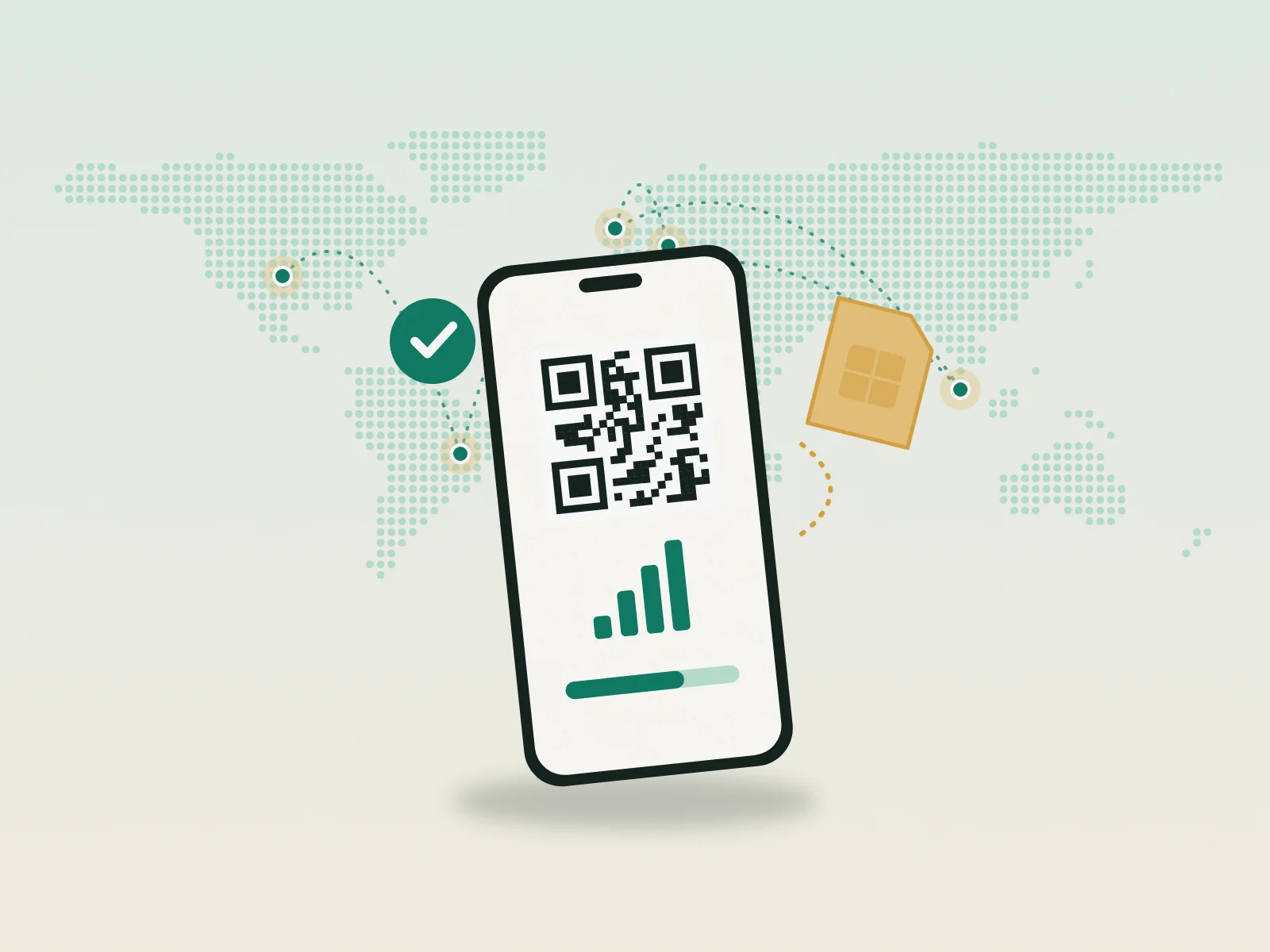
The eSIM („embedded SIM“) is a chip built into your phone onto which carriers transfer their profile digitally. Instead of inserting a plastic card, you download the profile via QR code or the provider’s app. Most current smartphones can store several eSIM profiles; depending on the device you can use one or two lines at the same time.
For travellers that’s handy: no hunting for a shop at the airport, no passport registration, no fiddly card swap. You buy the data pack before you leave, install it at home on Wi-Fi and simply switch it on when you land.
Does my phone support eSIM?
Most smartphones from recent years do – but not all, and some regional variants have it disabled. How to check:
- iPhone: Settings → Mobile/Cellular → „Add eSIM“ or „Add mobile plan“. If the option appears, eSIM works.
- Android: Settings → Network/Connections → SIM manager → „Add eSIM“. Wording varies by manufacturer.
- Dial code: Many devices show an EID when you dial
*#06#– the identifier of the eSIM chip. If there’s an EID, eSIM is usually present.
Just as important: the phone must be unlocked (no carrier lock). Phones bought on contract used to be tied to one network; ask your carrier if unsure.
Step by step
- Check compatibility (see above) and make sure the phone is unlocked.
- Buy a data pack for a country or region that fits your trip length and data needs.
- Install at home: scan the QR code or tap „install“ in the provider’s app. You need Wi-Fi. Give the eSIM a clear name („Travel Morocco“).
- Don’t activate yet if validity starts with the first connection – this depends on the provider, so read the note at checkout.
- At your destination: select the eSIM for mobile data, turn on data roaming for the eSIM (technically a travel eSIM roams), and switch off data on your home SIM.
- Check: test that data flows. If not: airplane mode on/off, select the network manually, check the APN per the provider.
What to look for when buying
| Criterion | Why it matters |
|---|---|
| Validity | Packs often last 7, 15 or 30 days. Too short means topping up. |
| Data volume | Maps and messengers need little, video calls and streaming a lot. Estimate with the eSIM data calculator. |
| Hotspot | Not every pack allows tethering – essential for laptop work. |
| Networks | Which local carriers are used decides reception in rural areas. |
| Fair use | „Unlimited“ often means throttled above a threshold. Read the terms. |
| Phone number | Usually none. WhatsApp, Signal etc. work over data. |
| Top-ups | Can you extend the pack without installing a new eSIM? |
Airalo vs Holafly
| Airalo | Holafly | |
|---|---|---|
| Model | Data packs by GB for countries and regions | Known for day-based plans with unlimited data |
| Good for | Predictable data, several countries, top-ups | Heavy use without counting, video calls, navigation |
| Watch out for | Validity, hotspot per pack | Fair-use and hotspot rules per country |
We have used Holafly ourselves since 2024 – 13 eSIMs so far, including the USA, Brazil, Malaysia, Morocco, the UK, Russia and Austria, with good results throughout. Our code JANPEM4IDSKH gives you 10% off. For Thailand and Southeast Asia we recommend the AIS traveller SIM/eSIM, available at the airport and online. Network quality always depends on the country and network used – here we compare models, not local coverage.
Home SIM, SMS codes and staying reachable
With dual SIM your home number stays active: calls and texts still arrive – important for banking SMS codes. To avoid roaming charges:
- Turn off data roaming on your home SIM; only the eSIM uses mobile data.
- Incoming calls outside the EU can incur roaming fees – use voicemail or Wi-Fi calling if your carrier supports it abroad.
- Banking apps with in-app approval instead of SMS codes are less stressful on the road.
Common mistakes
- Installing at the destination – without Wi-Fi at the airport the download fails. Always install at home.
- Deleting the profile – a deleted eSIM often can’t be reinstalled. Only remove it once the pack is used up.
- Data roaming off – on the travel eSIM it must be on, otherwise no data flows.
- Wrong line for data – after landing, check that the eSIM really is selected for mobile data.
- Pack too small – video calls and cloud backups eat data. Plan generously or pick a pack you can top up.
Pre-departure checklist
- Phone eSIM-capable and unlocked?
- Pack matches country/region, validity and data volume?
- Hotspot allowed if you work on a laptop?
- eSIM installed at home and clearly named?
- Home SIM: data roaming off, banking approval sorted?
- Backup for dead zones planned? See: eSIM or Starlink? What pays off when
FAQ
Can I still use my normal SIM?
Yes. With dual SIM your home SIM stays active for calls and texts. Turn off data roaming on it to avoid charges.
Does an eSIM work in dead zones?
No, it needs a mobile network. Where there’s no coverage, satellite internet is the alternative – comparison: eSIM or Starlink? What pays off when.
Can I share the eSIM with my laptop?
If the pack allows hotspot, yes. Check before buying, especially with „unlimited“ plans.
How many eSIMs can I store?
Several, depending on the phone. Usually one or two lines can be active at once. You can delete old, used-up travel eSIMs.
Do I need a travel eSIM in the EU?
Usually not – „Roam like at home“ applies. It becomes useful in Switzerland, the UK and outside Europe. Overview: Internet abroad – eSIM, SIM, Wi-Fi, Starlink at a glance.
Read next
Starlink
Starlink Mini for travel – costs, plans, pausing
What the Mini can do, what it costs per month, why a 30-day limit applies outside Europe since summer 2026 – and how to let the service rest cheaply between trips.
Power
Powering the Starlink Mini on the road – power bank, power station, solar
The Mini draws 25–40 watts on average. What that means for power banks, power stations and solar – with a simple formula and a runtime table.
Starlink
Buying a Starlink Mini in Austria – direct, retail, referral link
Directly from Starlink or from an electronics retailer? What to know before buying the Starlink Mini in Austria – from price to activation.