Starlink
Setting up the Starlink Mini – 7 common mistakes and how to avoid them
Most problems with the Mini start before the trip. Seven typical mistakes – and how to avoid them.
Contents
- How to set up the Mini properly
- Mistake 1: first switch-on at the destination
- Mistake 2: underestimating obstructions
- Mistake 3: USB-C too weak
- Mistake 4: wrong plan outside Europe
- Mistake 5: forgetting travel registration
- Mistake 6: no Standby after the trip
- Mistake 7: ignoring snow and cold
- Troubleshooting overview
- Finding the best spot: the 5-minute test
- Troubleshooting on site
- Checklist before every trip
- FAQ
This article contains advertising (affiliate) links, marked “Ad”. How we label ads
In short: Activate and update the Mini at home, test your power supply with the right cable, check plan and region, complete travel registration for countries outside Europe and switch to Standby after the trip. As of October 2026.
How to set up the Mini properly
Before the mistakes – this is what a clean first setup looks like:
- Install the app and create or log in to your Starlink account.
- Place the Mini outdoors, fold out the kickstand, connect power.
- Connect to the Mini’s Wi-Fi (the name is shown in the app or on the device).
- Assign the device to your account and set Wi-Fi name and password.
- Wait for updates – this can take a while on first start. Don’t cut the power.
- Run the obstruction check in the app and optimise the position.
- Speed test and a short video call as a function check.
Mistake 1: first switch-on at the destination
On first start the Mini often downloads software updates. On a beach with a power bank that’s the wrong moment – the update takes time, power and a stable connection. Fix: activate at home, let updates run and switch it on once before every major trip.
Mistake 2: underestimating obstructions
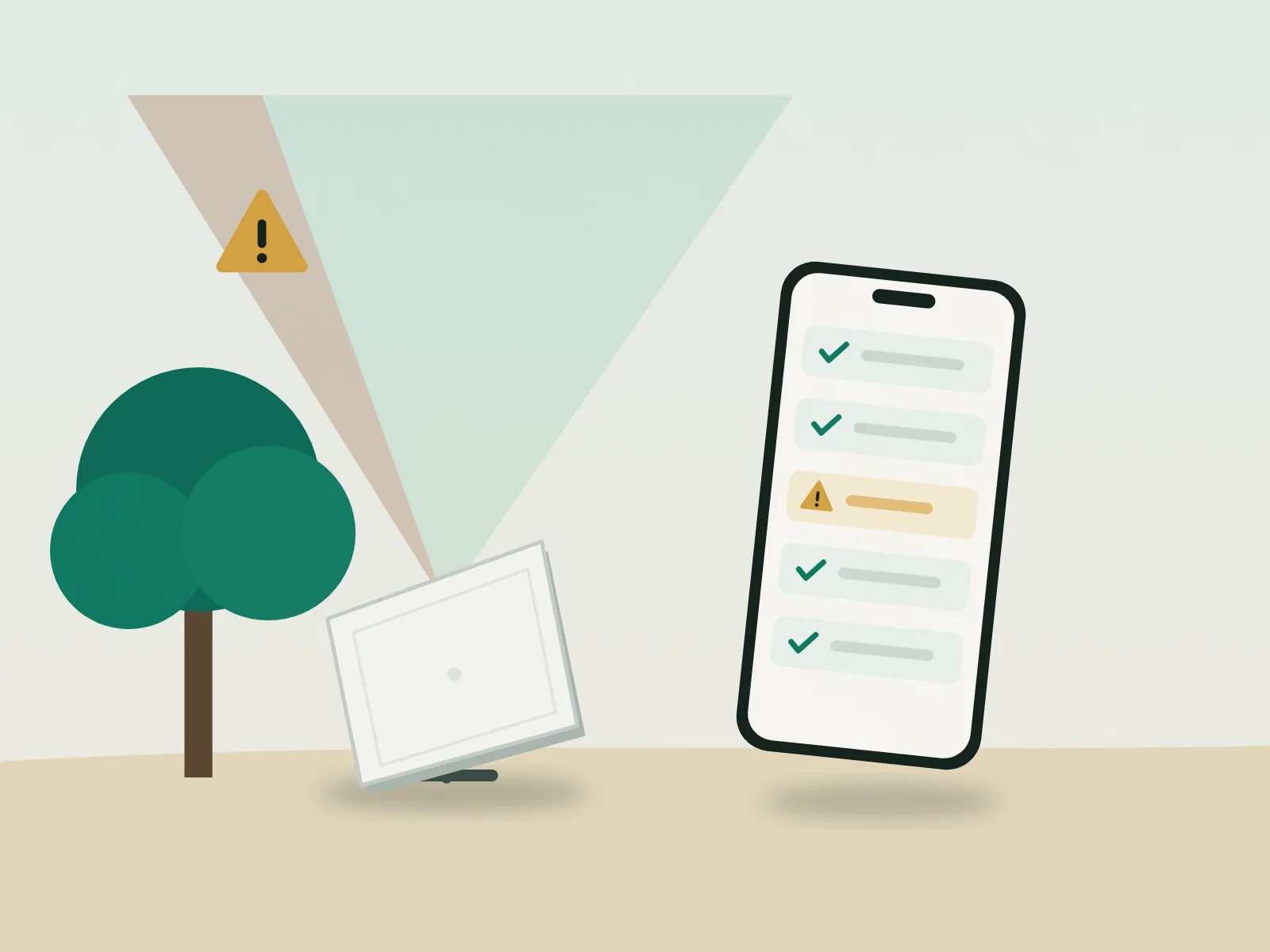
Trees, roof edges and walls interrupt the connection – often only for seconds, but enough to freeze a video call. Fix: use the obstruction check in the app and find a spot with as clear a view as possible. A metre higher or a few metres to the side often makes the difference. For fixed installations a pole or mast helps.
Mistake 3: USB-C too weak
Below 100 W (20 V/5 A) the Mini won’t start reliably. Many cables are only rated 3 A (60 W), many chargers deliver 45 or 65 W. Fix: a power bank with „20 V ⎓ 5 A“ on one port and a 5 A cable with e-marker – test at home, including start-up. More: Powering the Starlink Mini on the road – power bank, power station, solar.
Mistake 4: wrong plan outside Europe
Since summer 2026 only „Roam Unlimited“ works outside the region – for at most 30 consecutive days. Fix: check your plan before departure and switch in good time if needed. Details: Starlink outside Europe – the 30-day rule and travel registration.
Mistake 5: forgetting travel registration
Use outside the region requires registration with ID verification (ID document, portrait photo). Fix: do it a few days before departure – not at the airport.
Mistake 6: no Standby after the trip
If you don’t switch after the trip, you keep paying the full plan. Fix: set a calendar reminder and switch in time before the next billing period. See Pausing Starlink – Standby Mode explained.
Mistake 7: ignoring snow and cold
Snow melt mode increases consumption; batteries lose capacity in the cold, and many LiFePO4 batteries must not be charged below 0 °C. Fix: plan a reserve, keep batteries warm and enable snow melt only when needed.
Troubleshooting overview
| Symptom | Likely cause | What helps |
|---|---|---|
| Mini won’t start on the power bank | Below 100 W or a 3 A cable | 100 W PD source, 5 A cable |
| Connection drops briefly | Obstructions | Move, mount higher |
| „No service“ abroad | Wrong plan, no registration | Check plan/registration |
| Very slow | Standby plan active, congestion | Check plan, test again later |
| Long „booting“ phase | Software update | Keep power on, wait |
| Battery drains fast | Cold, snow melt, always on | Reserve, switch on as needed |
Finding the best spot: the 5-minute test
- Open the app and start the obstruction check.
- Hold your phone where the antenna will go and scan the sky.
- Note red areas (obstructions) – usually trees, roof edges or neighbouring houses.
- Test two or three alternatives: higher, further from walls, the other side of the building.
- Pick the spot with the fewest obstructions – even if it’s less convenient.
The same applies to a fixed installation at home – just permanently. In and around Vienna our partner Skyline Bau can do it for you: Starlink installation.
Troubleshooting on site
If something doesn’t work on the road, follow this order:
- Check power: does the Mini respond? Try another source or cable.
- Restart: disconnect power, wait briefly, reconnect – start-up takes a few minutes.
- Read the app status: it shows whether obstructions, software or the account is the issue.
- Check your account: plan active? Standby? Travel registration confirmed?
- Move and test again.
- Contact support via the app if none of that helps – use your backup connection meanwhile.
Checklist before every trip
- Mini switched on at home, updates done
- Power supply tested with your travel power bank/cable
- Plan suits the destination, travel registration done if needed
- Starlink available and allowed at the destination: Countries with Starlink coverage – and where it’s not allowed
- Mount or wind securing packed
- Calendar reminder: Standby after the trip
FAQ
The Mini won’t start on my power bank – why?
Usually the power bank or cable doesn’t deliver 100 W. Check for „20 V ⎓ 5 A“ and the cable.
How long does first setup take?
Allow some time for updates – which is why you should set up at home, not on the road.
Can I change the Wi-Fi name later?
Yes, in the Starlink app.
Do I need internet on my phone for setup?
A connection helps for the app login; pairing with the Mini runs over its own Wi-Fi.
Read next
Starlink
Starlink Mini for travel – costs, plans, pausing
What the Mini can do, what it costs per month, why a 30-day limit applies outside Europe since summer 2026 – and how to let the service rest cheaply between trips.
Starlink
Buying a Starlink Mini in Austria – direct, retail, referral link
Directly from Starlink or from an electronics retailer? What to know before buying the Starlink Mini in Austria – from price to activation.

Starlink
Pausing Starlink – Standby Mode explained
Roam plans used to be pausable for free. Since 2025 there is Standby Mode instead. How it works – and when it pays off.